- Zero to Unicorn
- Posts
- How to Put AI to Work Today
How to Put AI to Work Today

Tahnee Perry
December 10, 2025

This Week
This time last year, things were… quiet.
My calendar had gaps, and I had plenty of time to kick back. That sounds nice in theory, but for a business owner, silence can be nerve-wracking.
This year it’s been non-stop.
I’ve been living out of a suitcase, hopping between workshops and keynotes every week. You might expect that to be exhausting, but I feel energized.
A year ago, people felt overwhelmed; like they were drowning in updates and falling behind.
Now, people are excited.
They finally feel like they’re achieving more by using this technology, rather than being buried by it.
Being surrounded by that lightbulb-moment energy is contagious. I love hearing stories about how people are solving real challenges with a unique workflow, a new tool, or a clever process.
That’s what this week’s newsletter is all about: putting AI to work.
Because unless AI is making your day easier, it's just noise.
Checking NVIDIA’s stock price or reading Sam Altman’s latest internal memo won’t help us do our jobs better, but understanding what a tool can do and figuring out how to apply it to our daily reality?
That’s when it starts to make a real difference.
If you’re ready to put your AI to work, then read on.
Microsoft Puts AI Agents to Work
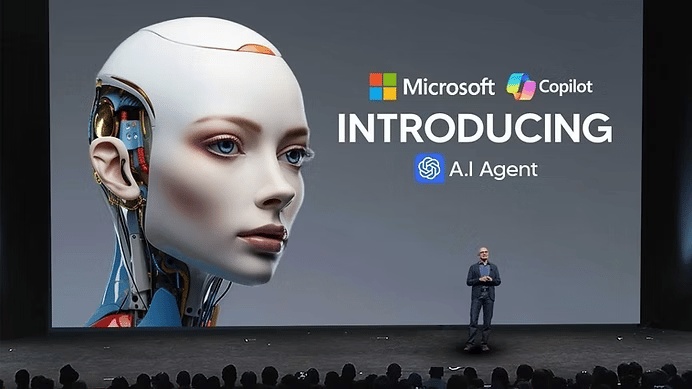
At Microsoft Ignite in November, the company announced a wave of updates that move AI from helpful assistant to autonomous coworker. The focus? AI agents that handle work tasks rather than just giving suggestions. (If you’re a Google Workspace user, check out last week’s Gemini update).
Here’s a quick summary:
Schedule Meetings: Copilot can now schedule meetings directly from chat. Ask it to set up a meeting with colleagues, and it finds available times, books rooms, drafts agendas, and sends invites. It can also resolve double-bookings for 1:1s and personal events. Set your preferences for which meetings are flexible, and Copilot reschedules when conflicts arise, notifying everyone of changes.
Agent Mode in PowerPoint: With Agent mode you can update existing decks using your organization's branded templates. It can create new slides, rewrite text, format tables, add images, and rearrange content. It pulls context from your work files and combines it with web sources to build presentations.
Video creation with Sora 2: Microsoft 365 Copilot now integrates OpenAI's Sora 2 video model into the Create experience. Generate short AI video clips from text prompts or swap stock footage with AI-generated content. Built-in tools for voiceover, music, and brand kits give you consistency.
Sales Development Agent: A fully autonomous sales agent (available through Frontier) that researches, qualifies, and engages leads 24/7. It handles revenue and pipeline growth, works independently, and can hand off leads to human sellers when needed.
Copilot Voice: Now you can talk to Copilot with voice in the Microsoft 365 Copilot app. From your phone, ask Copilot, “what are my top priorities for the day” or “catch me up on the meeting I missed”.
There are a ton more updates. You can check them all out here.
Build Your Own AI Workforce in Google Studio
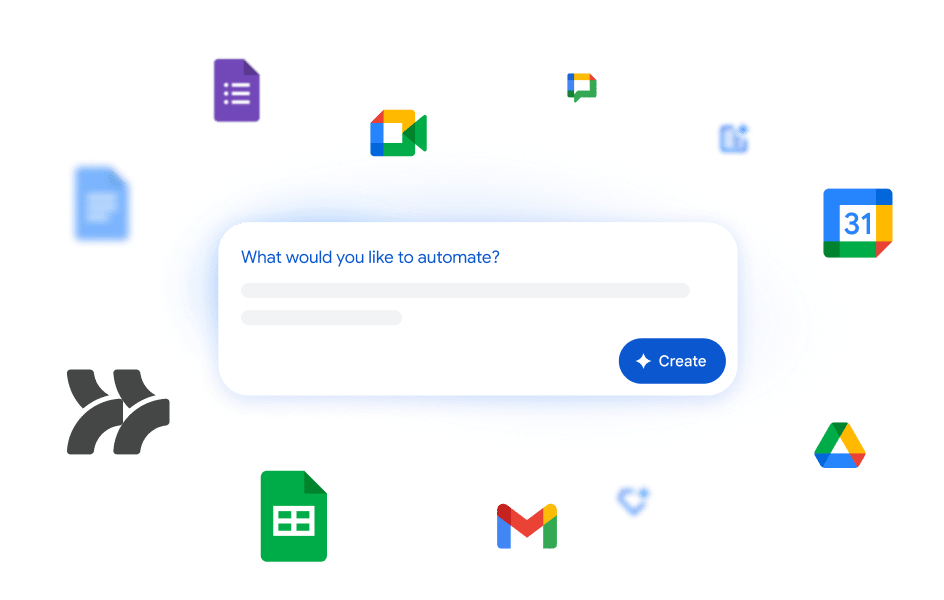
There’s a new way to clone yourself in Google Workspace.
It’s called Google Workspace Studio, and it lets you build custom AI agents to automate your busywork with no coding required.
Instead of writing scripts, you just tell Gemini what you need in plain English: "Check my inbox every morning for client questions, draft a reply, and add a task to my to-do list."
Gemini handles the rest. You can:
Pick a trigger: A specific time, a new email, or a chat message.
Define the action: Label emails, draft replies, research meeting attendees, or hunt down action items.
Set it and forget it: The agent runs in the background, only alerting you when it’s done.
Stop doing the same tasks over and over. Describe your workflow once, and let your new agent handle it forever.
Learn more at the Google blog.
How to Spot Your Next AI Use Case
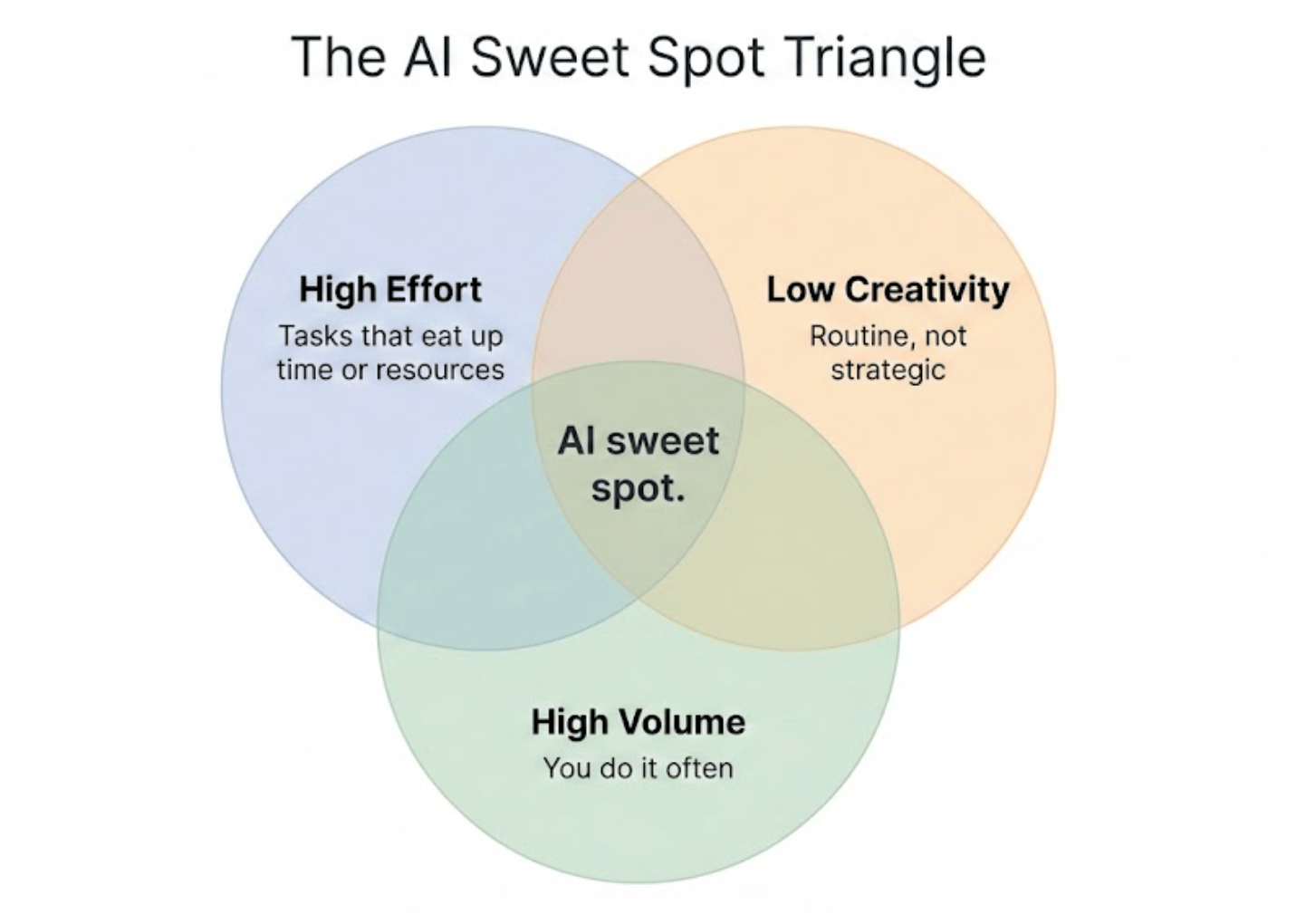
You want to put AI to work. But how?
When I host workshops, the biggest roadblock for most people is figuring out exactly what tasks to delegate. Sure, we all know you can ask Copilot to write an email or have Gemini create an image, but what about all the other tasks on your plate?
Identifying which ones are a good fit for AI takes a bit of analysis.
Luckily, I’ve created an easy-to-use framework that I commandeered from a well-known rubric called STAR. You probably know it from job interviewing exercises (Situation, Task, Action, Result).
I’ve adapted it for the AI era.
When it comes to putting AI to work, STAR stands for the four specific types of work where the tools can deliver value.
If you’re staring at a task and wondering "Can AI help with this?", check if it fits one of these buckets:
S — Summarize
We all have too many emails, reports and white papers to read. AI is excellent at ingesting pages of content and summarizing it based on our specifications.
The Play: Use Google's NotebookLM to synthesise all those PDF reports, white papers, and slide decks you’ve been meaning to read. You can ask for a summary customized to your interests, or have it generate a podcast you can listen to on your drive to work.
T — Transformation
Generative AI is incredible at repurposing content—taking what you already have and giving it a new form.
The Play: Stop typing notes from scratch. Take a raw meeting transcript and transform it into a clean list of strategic insights, a formatted action list, or a follow-up email to the client.
A — Analysis
This bucket is for extracting insights, finding patterns, or comparing data points that would take human eyes hours to review.
The Play: Upload three different vendor contracts and ask the AI to table the differences in liability clauses. Or, upload a month's worth of customer support tickets and ask it to categorize the top 5 recurring complaints.
R — Research
We are entering the era of "Deep Research." You can use AI to scour the web and author a deeply researched and thoughtful report based on your direction.
The Play: Instead of a simple Google search, use AI to build a comprehensive list of software vendors that meet specific security criteria, or draft a full dossier on a prospect before you hop on a sales call.
If you’re still struggling to identify use cases, drop this framework into ChatGPT or Gemini and ask them to help. You’ll have pages full of use cases in no time!
The Martech Reality Check
The 2026 Martech report just dropped, and the headline finding is brutal: more than 90% of marketing organizations use AI agents, but only 23% have them in full production.
What's working:
Backstage operations are thriving. Nearly 69% of teams use AI for content production, segmentation, competitive analysis, and data enrichment. AI is freeing marketers to focus on strategy instead of execution.
Customer-side AI is rising fast. 54% of firms use AI-powered bots, and 21% have deployed AI SDRs. Buyers are using AI assistants like ChatGPT and Perplexity to research products before they ever visit your website.
What's broken:
Most AI projects are stuck in pilot purgatory. The culprits? Inconsistent data, weak integrations, and poor governance.
Organizations lack the skills and frameworks to deploy AI effectively. Gartner predicts that by 2026, 40% of enterprise applications will embed AI agents but most teams aren't ready.
If you want to move from experimenting to shipping, you need better data, tighter integrations, and a solid governance framework.
Want to dive into the 127-page report? Head over to the Chiefmartec website.
47 Ways to Put AI to Work
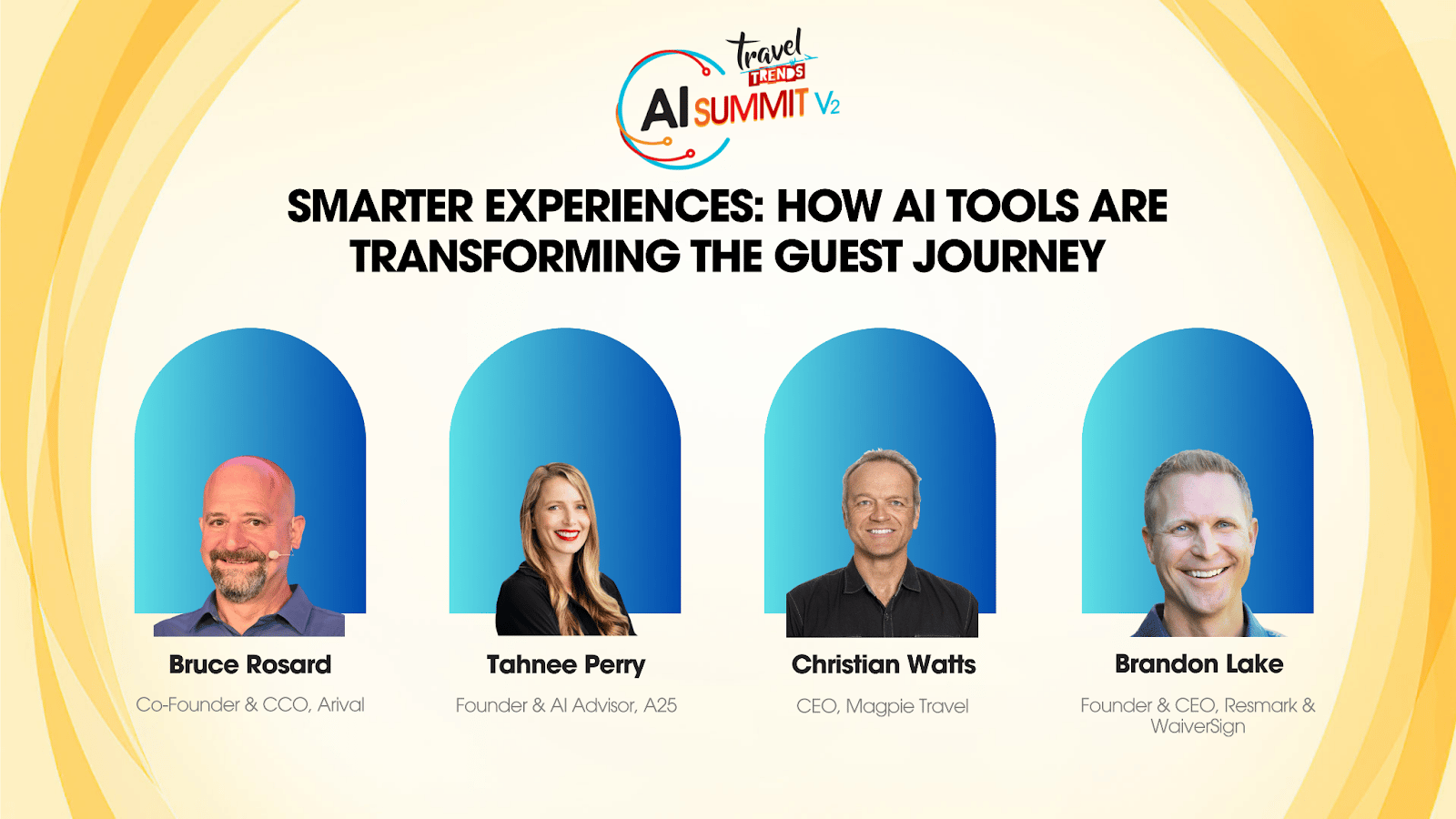
If you’re looking for concrete examples of how companies are "putting AI to work," look no further than the replays from the AI Travel Trends Summit.
All 47 sessions are now live on YouTube.
This event was massive, with 2,000+ people tuning in from around the world. The day-long summit moved past the "what is AI?" phase and went deep into planning, prospecting, and execution.
Our session was a blast (mostly because Bruce Rosard and Christian Watts are never boring), but Brandon Lake from Resmark was the real highlight. He showcased some super practical use cases for elevating your website and marketing. My favorite hack: dropping your badly composed product and experience images into Nano Banana so the model can spruce them up.
A note for my non-travel readers: Don't skip this just because you don't sell tours. The strategies the speakers share apply to any business. It’s worth a watch just to see how the pros are thinking about this stuff
You can find all of the recordings (including ours) on the Travel Trends YouTube channel.
Know Someone Drowning in Busy Work?
If you found this week’s newsletter helpful, pass this along to a friend or colleague who is trying to figure out AI. My goal is to help as many people as possible move from "overwhelmed" to "energized."
Just hit the forward button and sent it their way.
Want to Level Up Your AI Game?
If your team is ready for a hands-on AI strategy session, my custom-designed workshops are built to uncover the workflows that can save you hours every week.
Prefer to start small? My YouTube channel is packed with quick, practical “how-to” videos that show you exactly how I use AI tools for marketing, content, and automation.
Planning an event or conference? I deliver high-energy AI sessions that engage audiences and leave them with actionable strategies they’ll talk about long after the event. Book me for your event here.

Did some one forward you this email? You can subscribe here.
What did you think of today's email?
Your feedback helps me create better emails for you! Send your thoughts to [email protected].
Reply